
Automation does not start
After upgrading to iOS 27, an existing AirPods automation may no longer start tracking. Switch the automation off and back on once in the Shortcuts app
Switch the automation off and on
The screenshots and video are in English. The red outlines in the pictures show where to tap
-
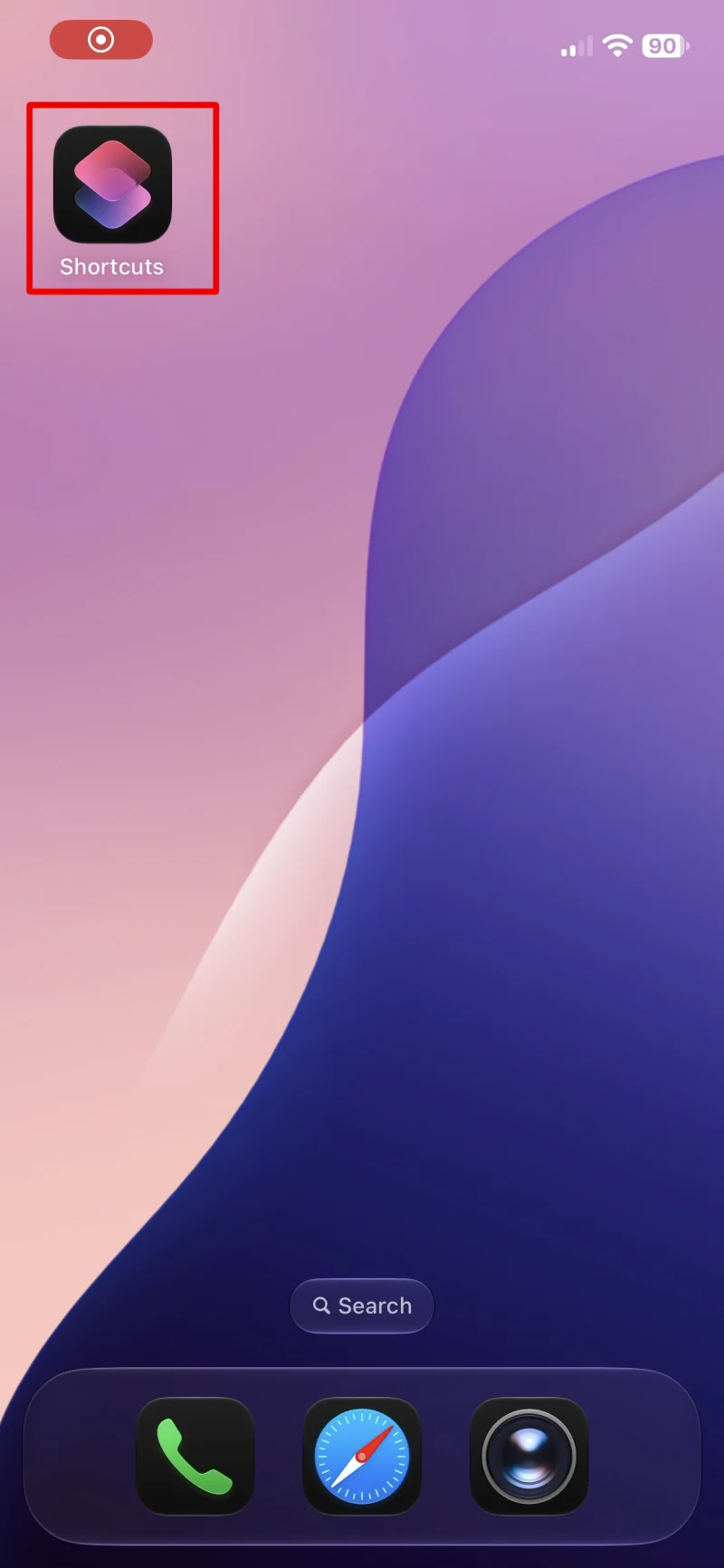
Open the Shortcuts app on your iPhone -
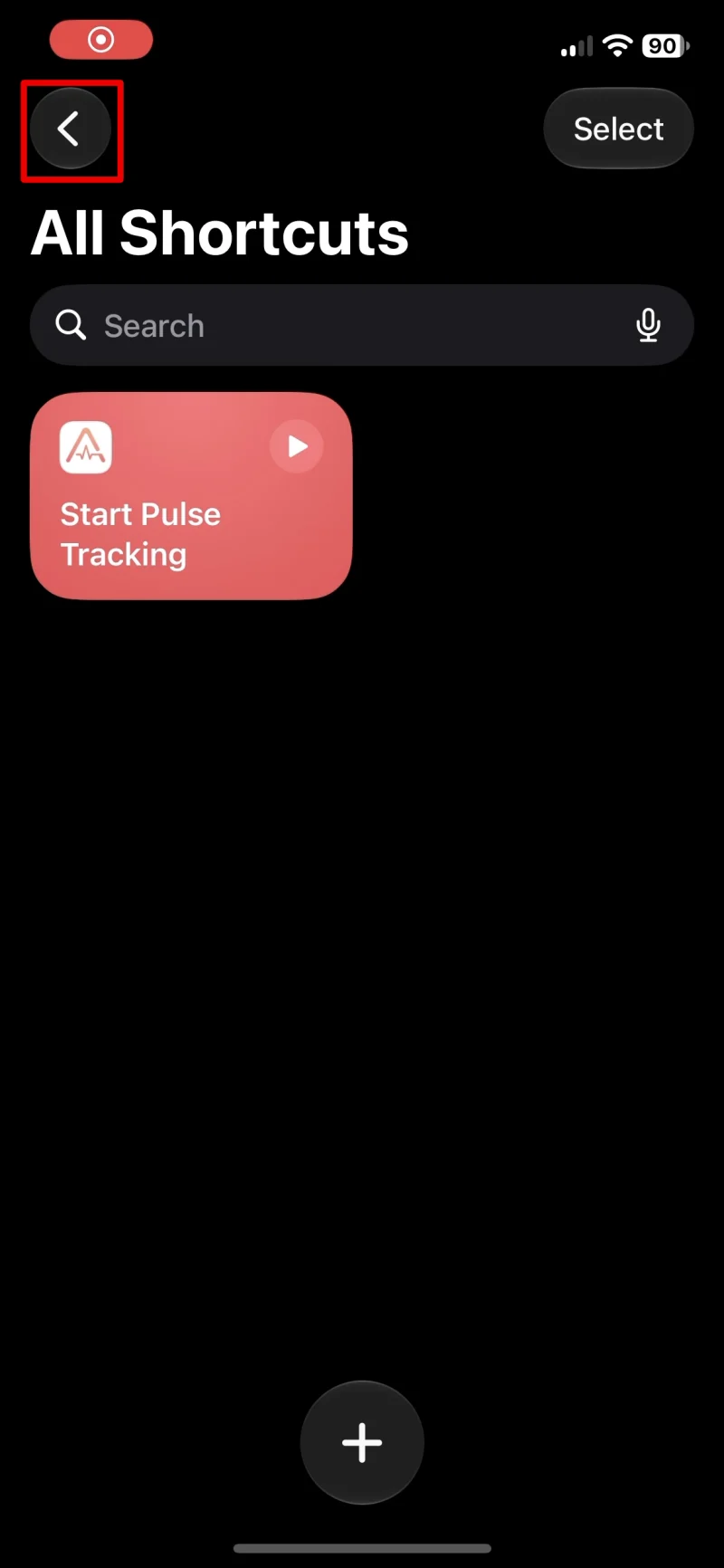
If All Shortcuts is open, tap the back arrow at the top left to return to Library -
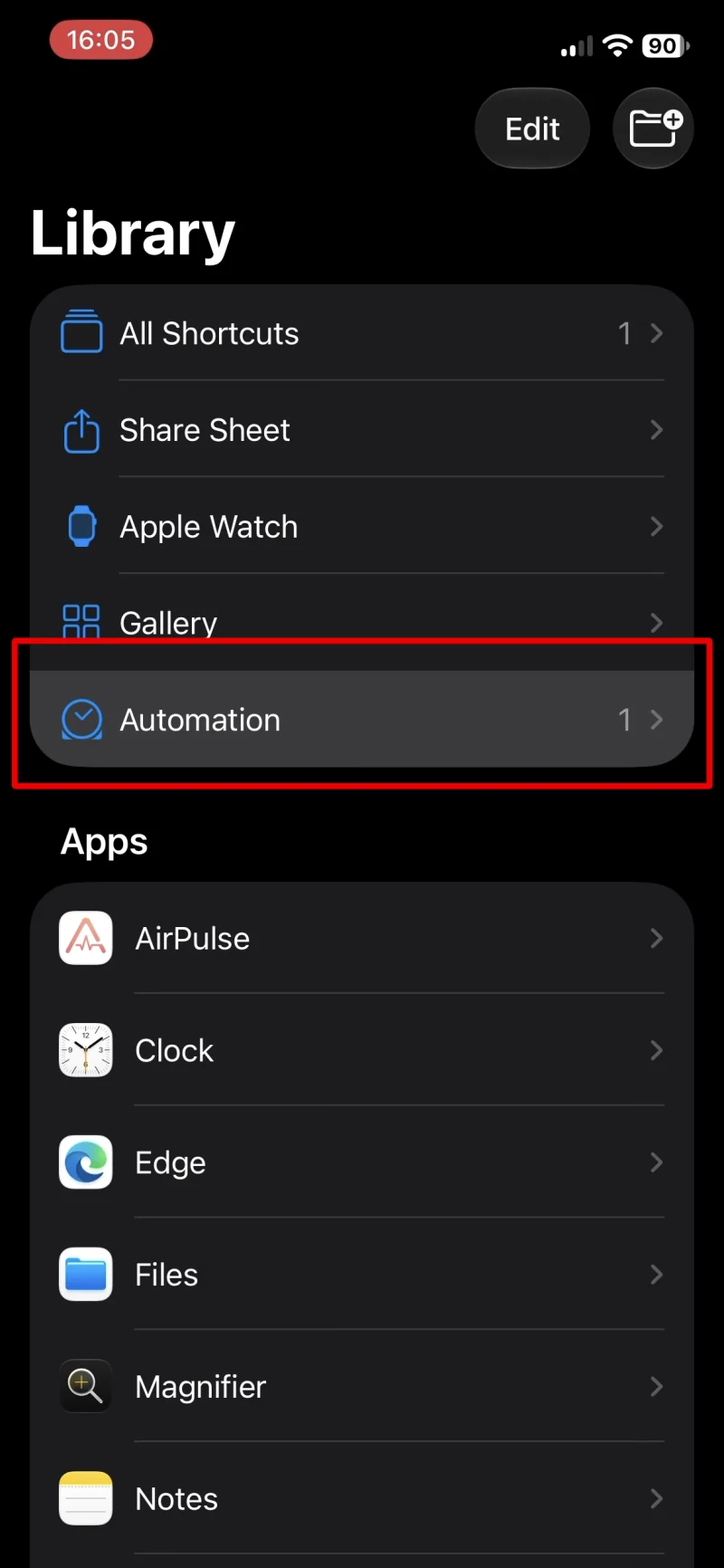
Tap Automation in Library -
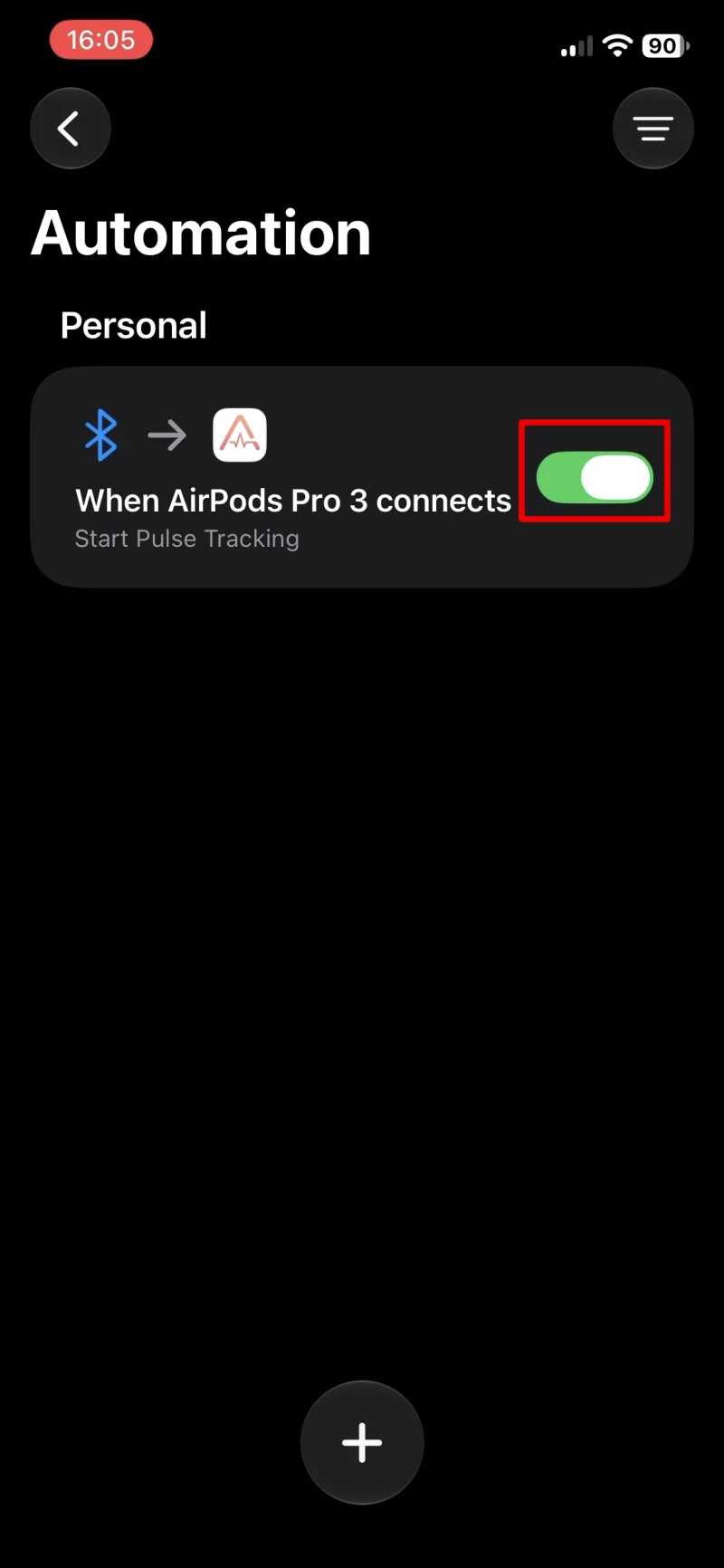
Tap the green switch on your AirPods Pro 3 automation to turn it off -
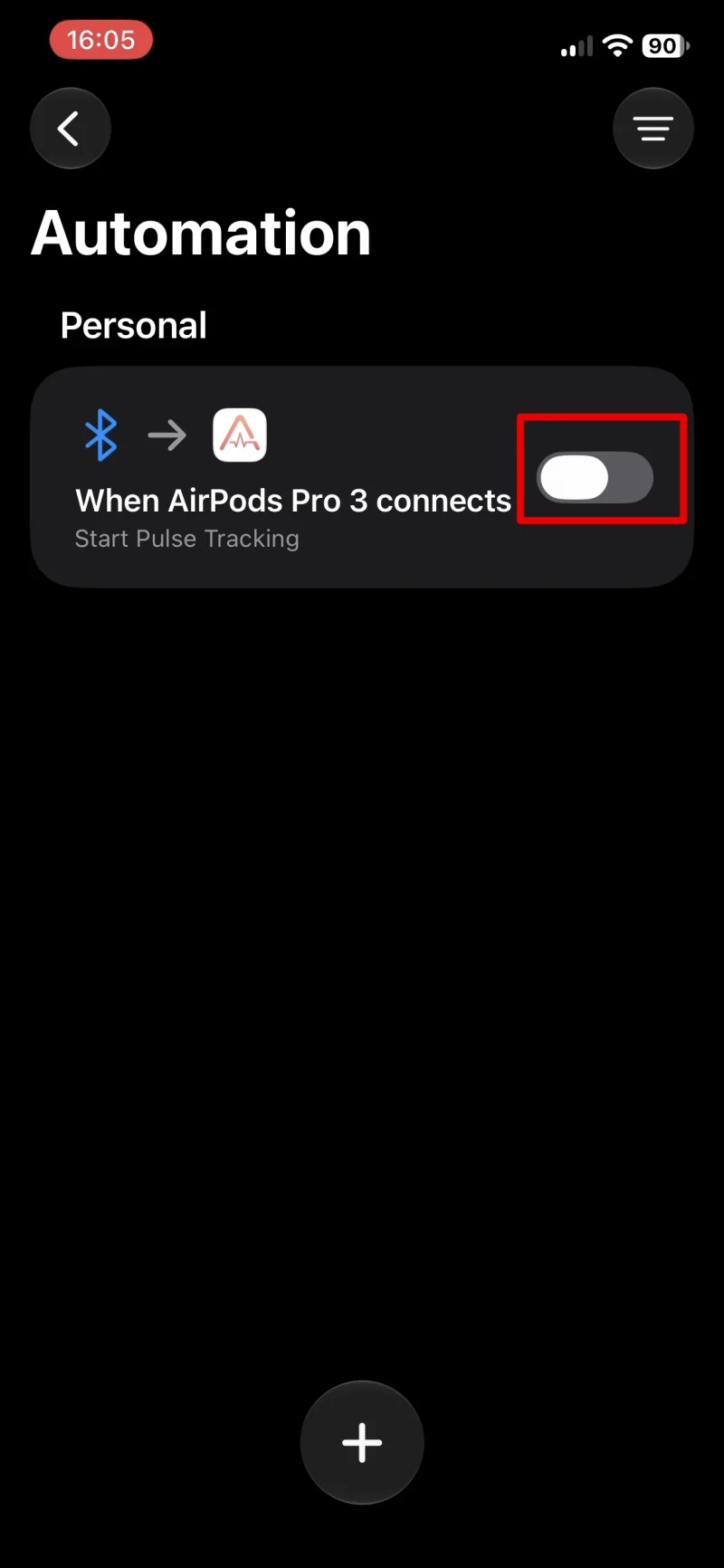
Tap the grey switch to turn the automation back on -
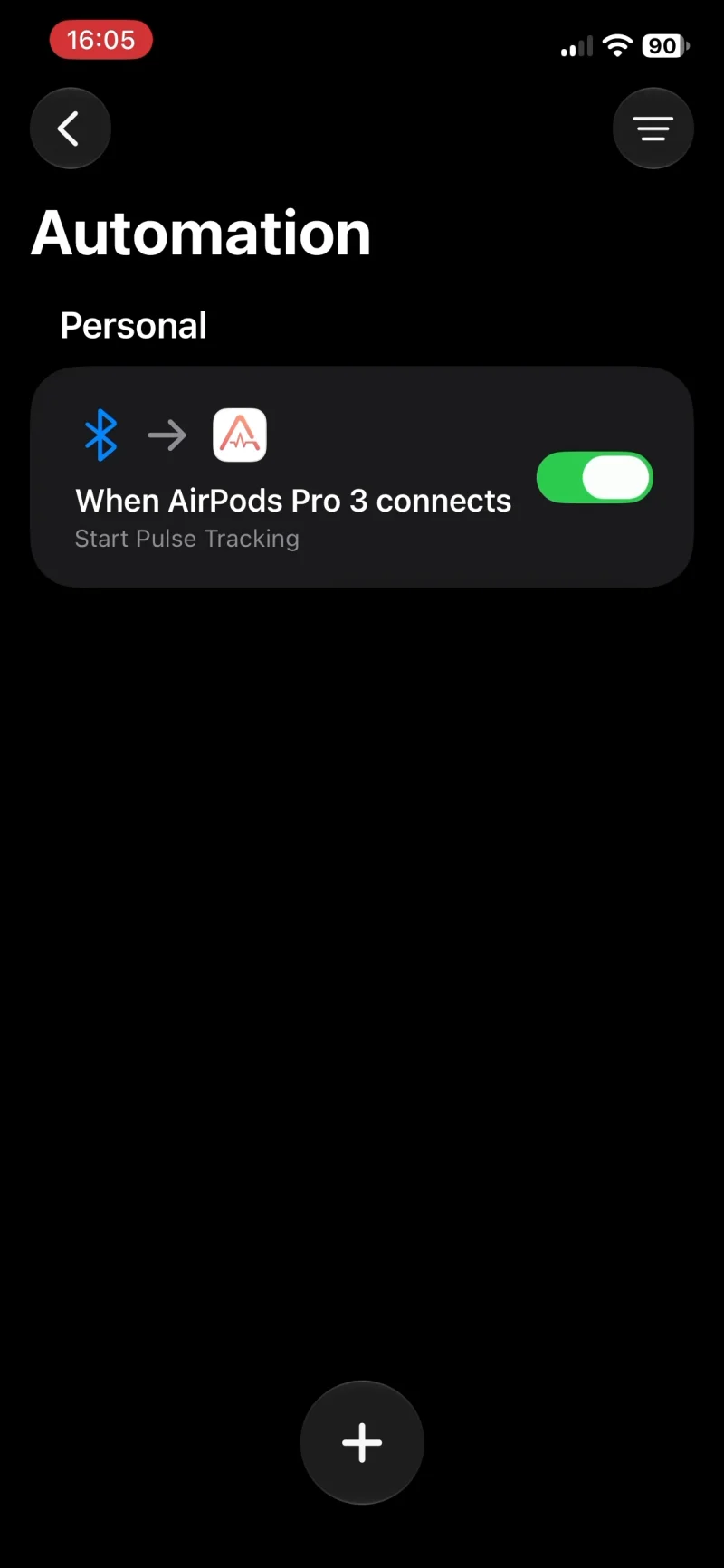
Check that the switch is green again at the end. The automation is now enabled
Restart your iPhone
If this does not help, restart your iPhone. Then repeat the steps above to switch the automation off and back on, and wait up to 10 minutes. After a restart, automations may take a while to work again
Possible iOS 27 issue
If the automation still does not start, an iOS 27 bug may be the cause. Other users on Reddit also report problems with automations. Some report that their automations work again with iOS 27.2 beta. iOS 27.2 is currently available only as a beta; a fix for everyone affected has not been confirmed. You may need to wait for a regular iOS update