Not saved to Apple Fitness
Your AirPulse session stays in AirPulse and is not saved as a workout in Apple Fitness. Your Apple Fitness rings remain completely unaffected
Set up a personal automation once in Apple Shortcuts. AirPulse then starts heart rate tracking automatically whenever you put in your AirPods Pro 3, even while your iPhone is locked
What AirPulse deliberately does not store
Your AirPulse session stays in AirPulse and is not saved as a workout in Apple Fitness. Your Apple Fitness rings remain completely unaffected
AirPulse does not read, calculate, display, or store calorie values, including in Apple Health
Shortcuts starts the recording. AirPulse shows your current heart rate during the session and saves the history afterwards. Pro adds personal reports for session tags
01 · Trigger
After the one-time setup in Apple Shortcuts, connecting your AirPods Pro 3 triggers heart rate recording right away. Your iPhone can stay locked
Set up ShortcutsAutomatic flow
02 · Live
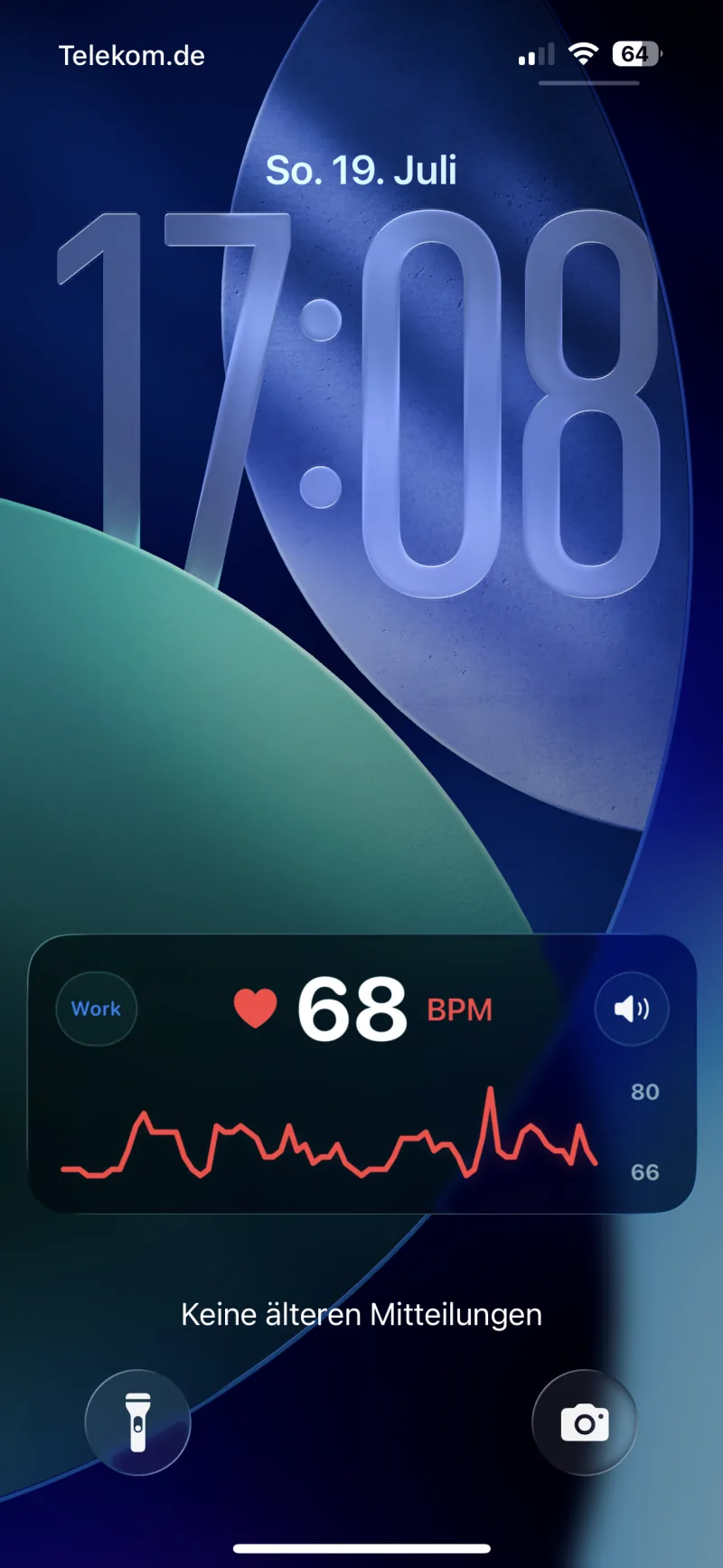
Current BPM and the chart appear in the Live Activity on the Lock Screen. The Dynamic Island shows that the session is running. You do not need to open the app
03 · History
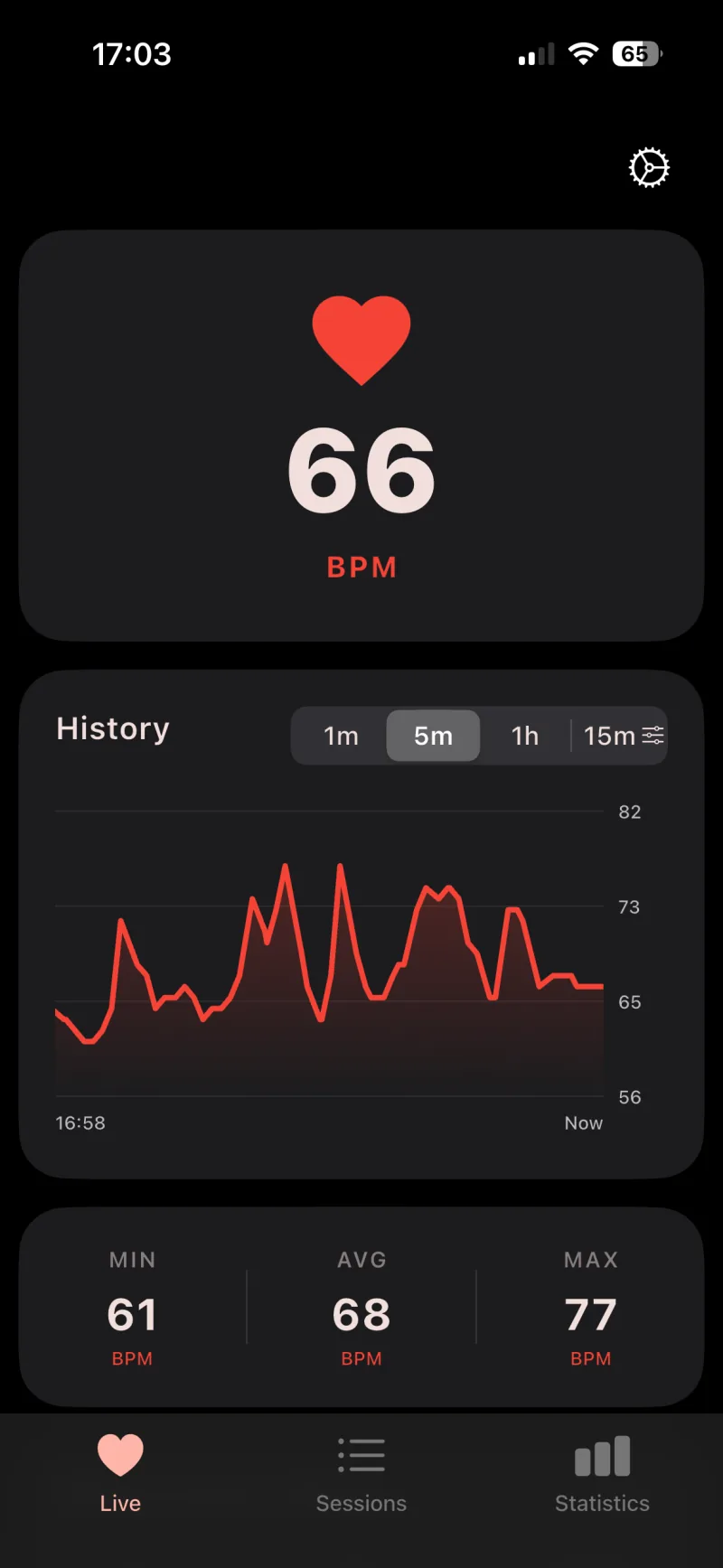
AirPulse saves the history as a session with duration, pauses, chart, minimum, average, and maximum. Tags give each recording its context
Learn about tags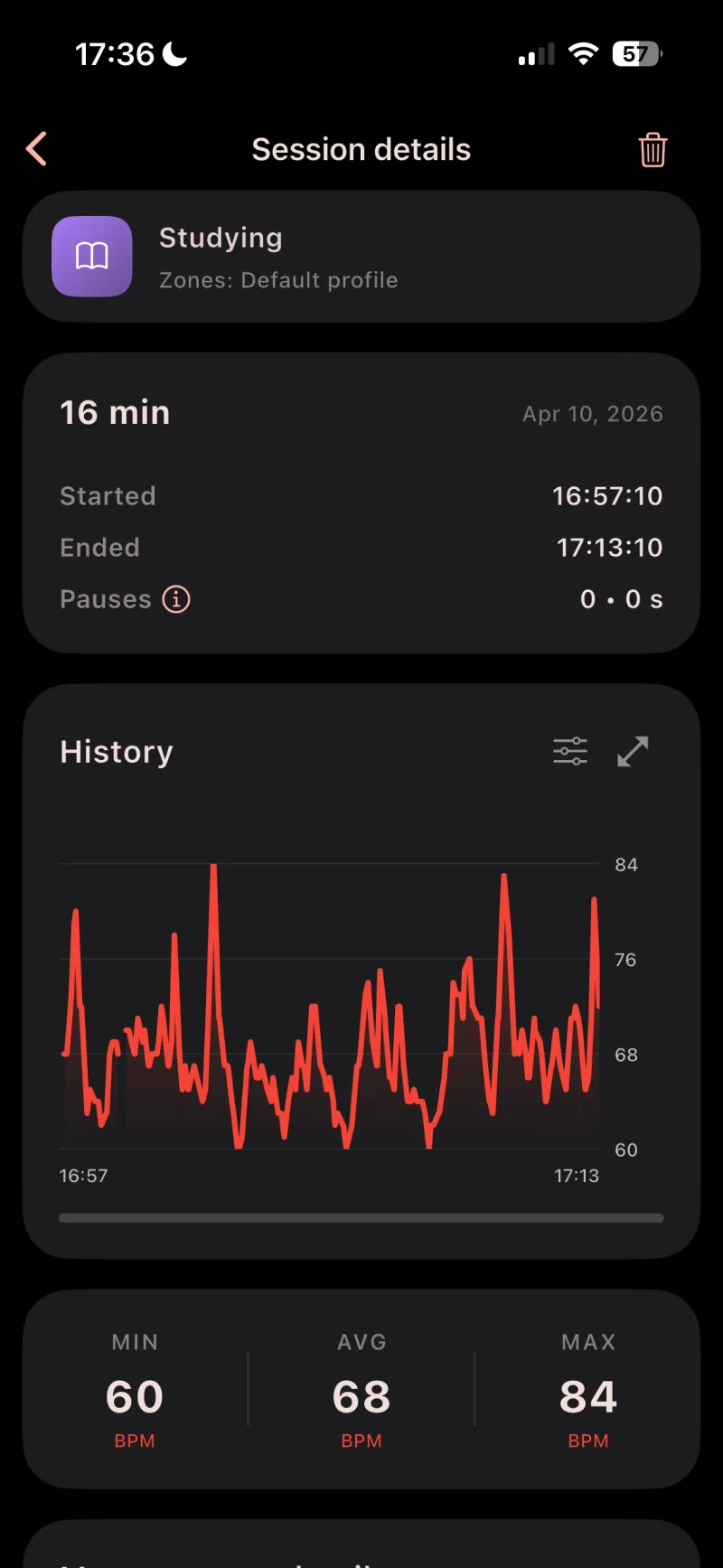
04 · Tag reports
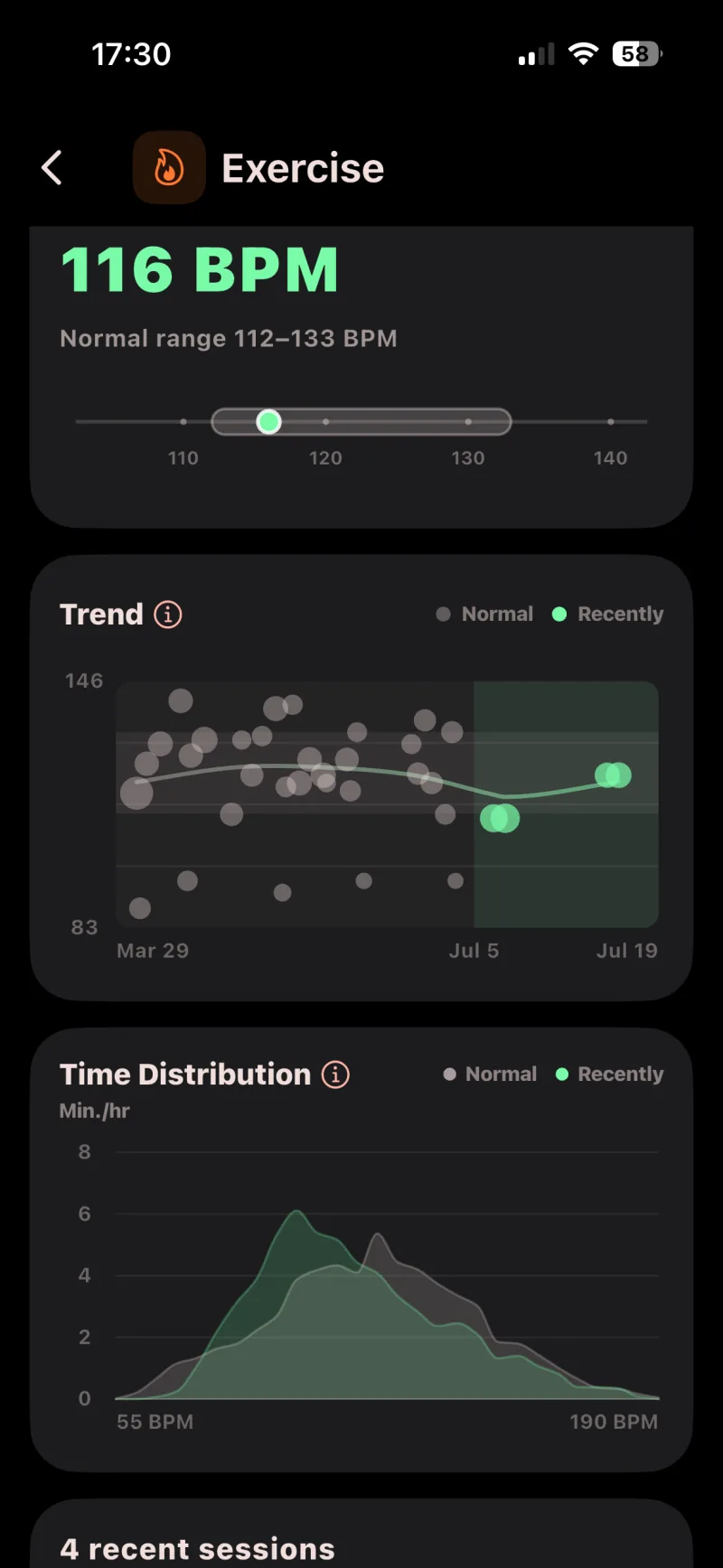
With Pro, tag reports compare recent sessions with your personal normal range. For each session tag, you see the trend and time distribution
These features add controls and details that you can enable for individual sessions or tags
Change the session tag or mute audio feedback straight from the Live Activity without opening the app
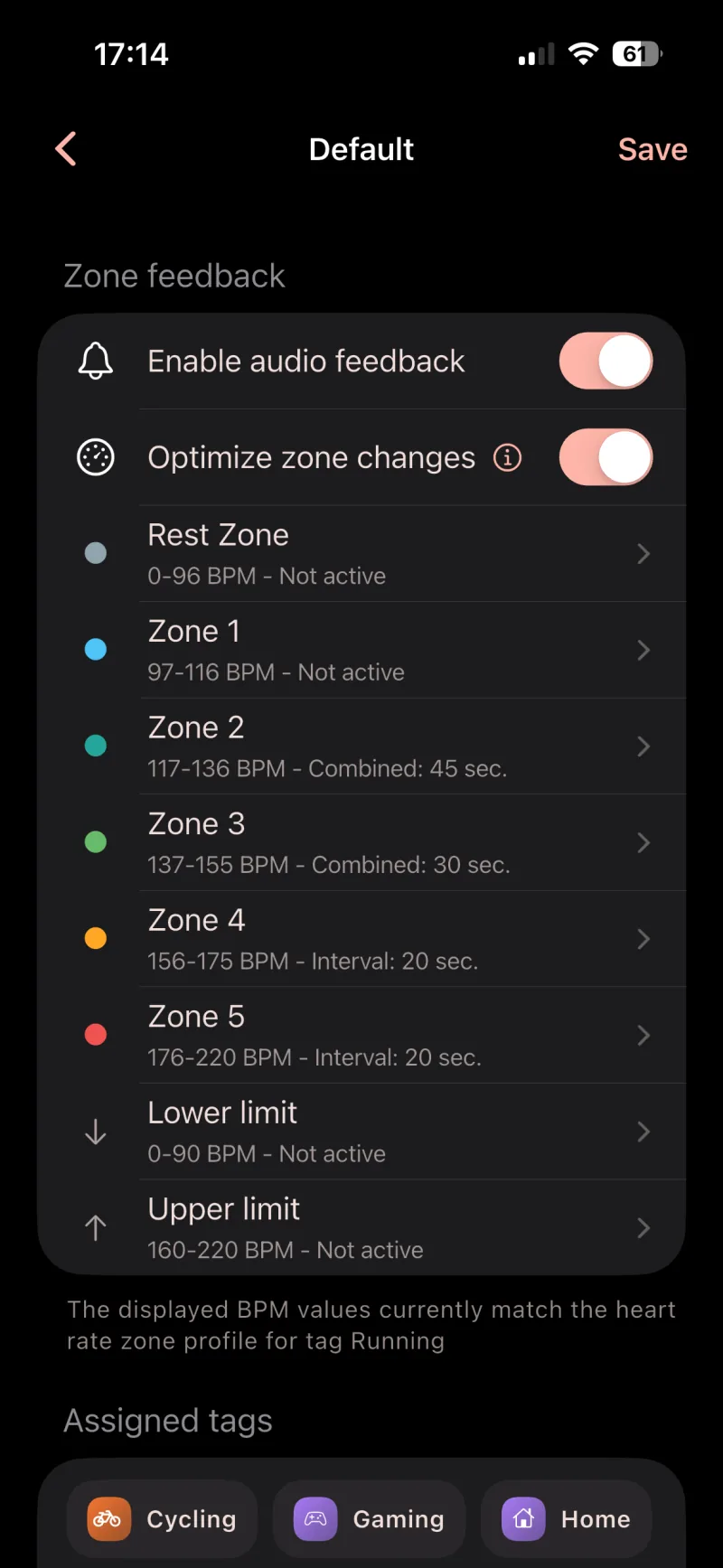
AirPulse Pro can announce zone changes and personal limits through your headphones. You can assign profiles to tags and add your own audio files
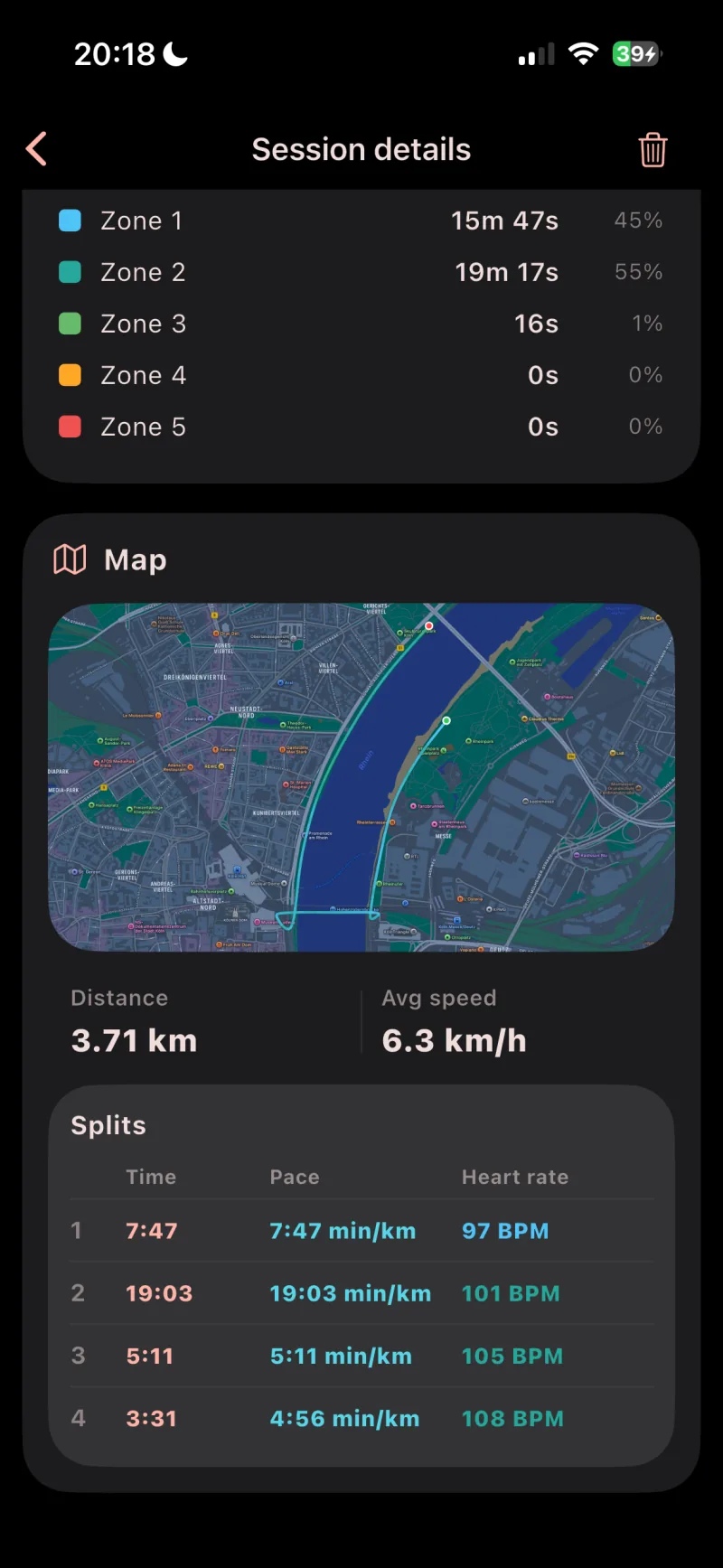
With Pro, you can enable location history for individual session tags. Saved routes show a map, distance, speed, and splits
The session database is maintained locally. When iCloud is available, AirPulse can use it for backup and restore; selected settings can sync through Apple services
The session database is stored locally on your device. AirPulse does not operate its own upload server. When iCloud is available for your Apple Account, the app can store a backup copy there and sync selected settings